Landscape Company Software: One System for Quotes, Jobs and Invoicing (2026 Guide)
Quoting from one app, invoicing from another, jobs scrawled in a diary — sound like your week? Here's what real landscape company software looks like when quotes, jobs and invoicing finally talk to each other.
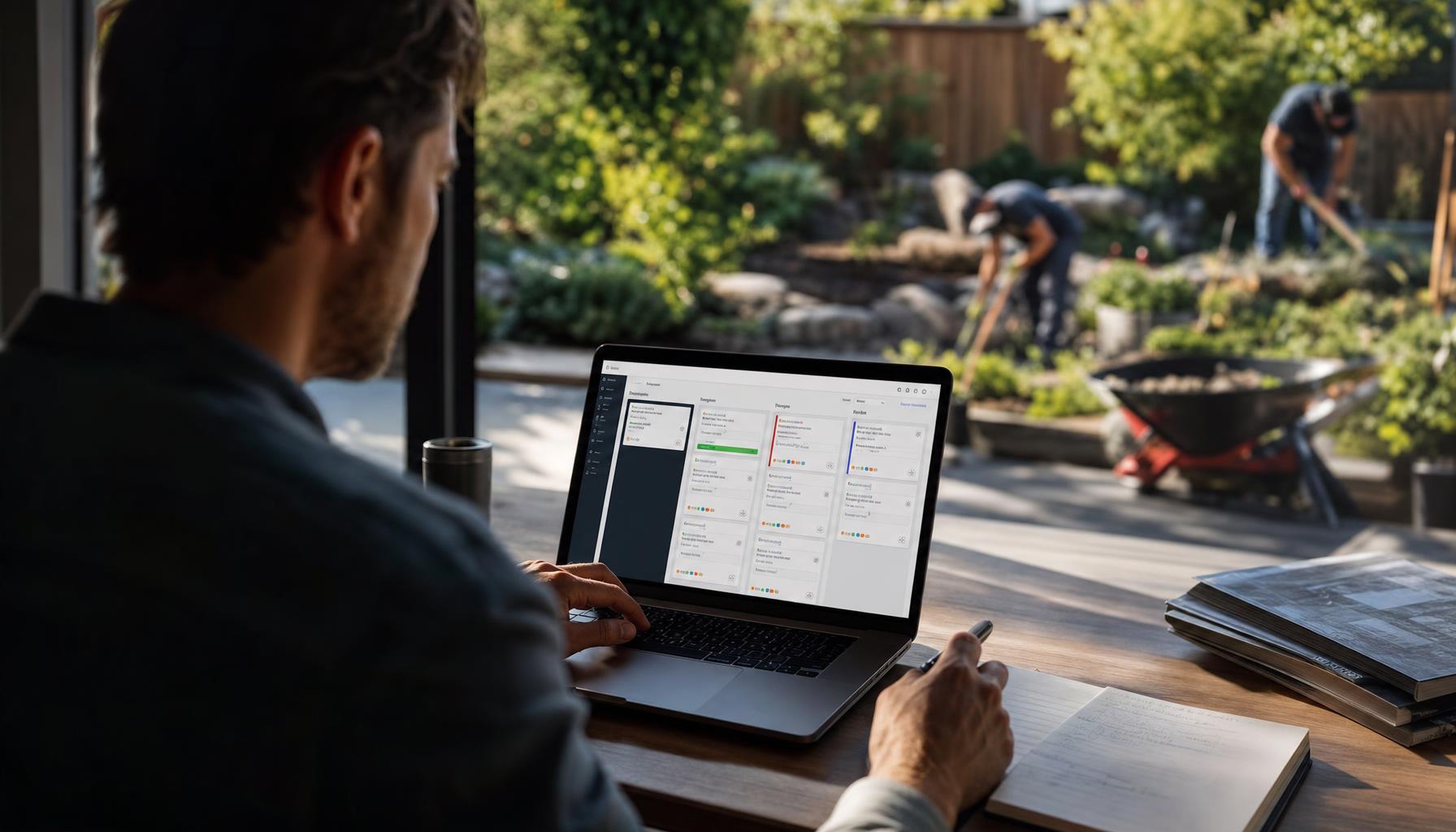
You’ve got three tabs open, a mud-covered phone, and a client asking “did you get my message about moving Thursday’s mow?” Meanwhile the invoice for last week’s turf job is still sitting half-finished because you were chasing a quote for a retaining wall on the way home. Sound familiar?
Most landscaping and gardening businesses in Australia run on a patchwork — a quoting app here, a paper diary there, invoices done from the ute at 9pm using a different app again. It works, sort of, until you’re a crew of four and nobody can tell you what’s actually happening on-site right now. That’s the gap landscape company software is meant to close — and it’s why so many outfits end up hunting for landscape management software that actually talks to itself, instead of three separate tools pretending to.
Why Landscaping Businesses Outgrow Spreadsheets and Sticky Notes
Landscaping isn’t like a lot of trades. You’re not doing one job and moving on — you’ve got recurring mowing rounds, one-off hardscaping quotes, irrigation call-outs, and seasonal mulch-and-prune jobs all running at once. Add a crew of casuals in spring and summer, and your admin load doubles right when you’ve got the least time to deal with it.
A spreadsheet can track a client list. It can’t tell your foreman which three properties need the ride-on today, remind a customer their quote expires Friday, or flag that the Smiths on Wattle Street haven’t paid their last two invoices. That’s not a spreadsheet problem — that’s a job for landscaping CRM software built around how landscaping actually runs: recurring jobs, seasonal spikes, and a crew that’s out of mobile reception half the day.
What “One System” Actually Means for a Landscaping Crew
When we say landscape management software should run quotes, jobs and invoicing in one place, we don’t mean a dashboard with three tabs. We mean the data moves on its own.
A client calls about overgrown hedges and a possible new garden bed. Hero AI answers that call — even if you’re up to your elbows in a client’s back yard — and books it straight onto the schedule. From there:
- Quoting: send a photo or voice note from the job site — “client wants a Colorbond retaining wall, roughly 12 metres, plus turf reinstatement” — and Hero AI drafts a Good/Better/Best estimate in under a minute, instead of you doing it from the office at night.
- Jobs: once the client accepts, it’s on the board automatically. No re-typing the job into a second app.
- Invoicing: when the job’s marked complete, the invoice goes out referencing the accepted quote — line items, materials, labour, all there — without your admin (or you, at 10pm) rebuilding it from scratch.
That’s the difference between landscaping billing software that’s just a fancy invoice template, and one that actually understands a quote turned into a job turned into a paid invoice is one continuous story, not three separate admin chores.
The Real Cost of Running Three Different Apps
Picture this: it’s Tuesday morning, you’ve got a mowing round, a mulch delivery to coordinate, and a quote to finish for a couple wanting a full backyard reno. Your quoting app doesn’t talk to your invoicing app. So when the reno quote gets accepted, someone — probably you — has to manually re-enter it as a job, assign a crew, then remember to invoice it properly once it’s done. Multiply that by every job you run in a month and you can see where entire afternoons disappear.
It’s not just time. It’s the invoices that never quite get sent because you forgot which jobs were done and unbilled. It’s the double-booked Saturday because the mowing round and the new client’s fence-line planting both got pencilled in separately. It’s the client who never heard back about their quote because it sat in an app nobody checked after 5pm.
We covered a lot of this ground already in our guide to closing the paperwork gap for Aussie tradies — the short version is: every handoff between disconnected tools is a chance for something to fall through.
What to Look for in Landscape Company Software
Not every piece of landscape management software is built for how you actually work. Here’s what genuinely matters for a landscaping and gardening business, versus what’s just marketing noise:
| Feature | Why it matters for landscaping | Nice-to-have but not enough on its own |
|---|---|---|
| Recurring job scheduling | Mowing rounds, seasonal maintenance contracts | A basic one-off calendar |
| Photo-based quoting from site | You’re rarely at a desk when you spot the job | Text-only quote builder |
| Route/day planning for crews | Cuts drive time between properties across a spread-out run | A static client list |
| Quote-to-invoice in one flow | No re-entering the same job three times | Separate invoicing add-on |
| After-hours call answering | New leads call when you’re mid-job, not 9-to-5 | Voicemail |
| Overdue invoice chasing | Cash flow matters more when work is seasonal | Manual reminder emails |
If a tool ticks the “quoting” box and the “invoicing” box separately but they don’t share data, you’re not buying one system — you’re buying two subscriptions that happen to have the same login screen.
How Hero AI Fits Into Your Landscaping Business
Here’s where we’re upfront: Hero365 isn’t another app you have to remember to open. It’s Hero AI — an AI teammate that does the admin side of your landscaping business so you don’t have to hire an office person just to keep quotes, jobs and invoices in sync.
Hero AI answers your phone when you’re mid-mow and can’t get to it — most small landscaping outfits miss a big chunk of after-hours enquiries, and every one of those is a lead that might’ve called a competitor instead. Hero AI books the job straight onto your schedule, no missed messages.
When it’s time to quote, send a voice note from the client’s driveway and Hero AI drafts the Good/Better/Best options — turf-only through to full landscape reno with retaining walls and irrigation — so the client gets something in their inbox that afternoon, not next week.
Once the job’s locked in, Hero AI helps route your crew’s day to cut drive time between properties, keeps the board from double-booking your mowing round against a new install, and when the job wraps, it turns the accepted quote into an invoice without anyone re-typing a thing. And if that invoice goes overdue? Hero AI chases it — politely, consistently — so you’re not the one making an awkward phone call to a client about money.
It’s less “landscaping CRM software” in the old sense of a static contact database, and more a teammate who happens to run your quotes, jobs, invoicing and follow-ups — and never calls in sick during peak season.
Getting Started Without the Admin Headache
You don’t need a six-week onboarding to fix this. You download the Hero365 app, and Hero AI starts answering calls and organising your board from day one — no demo call, no setup fee.
If you’re still weighing up whether it’s worth the switch, have a look at what it actually costs to hire Hero AI — it’s a fraction of what a part-time office admin costs, and it doesn’t take annual leave in December when your maintenance rounds are busiest.
Whether your week looks like recurring mows, a backyard reno quote, or a client chasing you for an invoice you meant to send last Thursday, the fix isn’t another app. It’s landscape company software that actually runs quotes, jobs and invoicing as one connected job — because for a crew your size, that’s the difference between chasing paperwork and running a business.
Curious what that looks like for your patch specifically? Check out how Hero AI works for landscaping businesses, or explore our free tools to see where your own admin time is actually going.