Construction Invoicing Software: A Simple System for Contractors Who Bill by the Job
Progress billing, holdback, change orders — construction billing is nothing like invoicing a retail sale. Here's the simple system Canadian general contractors are using to bill the day the work's done, not three weeks later.

You finished the kitchen reno three weeks ago. The client’s happy, the tile guy’s paid, the permit’s closed out — and you still haven’t sent the final invoice, because it’s sitting half-written in a notebook next to a stack of material receipts you keep meaning to sort.
Sound familiar?
Most general contractors don’t lose money because they underbid jobs (though that happens too). They lose money because billing gets treated like an afterthought — something you’ll “do tonight” after a 10-hour day on site. Progress billing, holdback, change orders, GST/HST, deposits — it’s a lot to track by hand, and every day an invoice sits unsent is a day your cash is stuck in someone else’s bank account.
That’s the real case for construction invoicing software: not fancier reports, just money that moves faster because the paperwork isn’t blocking it.
What Construction Invoicing Software Actually Needs to Do
A lot of general accounting software — the stuff built for retail shops or consultants — assumes you bill once, get paid once, done. Construction doesn’t work that way. You bill in stages. You hold back 10% until deficiencies are cleared. You add a change order mid-job because the client wanted the ensuite moved after demo was already done.
Good construction invoicing software has to handle:
- Progress billing tied to job phases (foundation, framing, rough-in, finishing) instead of one lump invoice at the end
- Change orders that update the contract total and flow straight into the next invoice — no separate spreadsheet to reconcile
- Holdback tracking so the 10% you can’t touch for 45-60 days (per most provincial lien legislation) doesn’t get mixed in with cash you can actually spend
- Job costing that shows you labour, material and subtrade costs per project, not just a bank balance that looks fine until you realize half of it is holdback you can’t spend
- GST/HST handling built in, so you’re not manually calculating tax on every draw
- Deposit and milestone tracking so you know exactly what’s been invoiced, what’s been paid, and what’s still owing on a 6-month build
If a piece of software can’t do progress billing and change orders without you fighting it, it wasn’t built for contractors. It was built for someone else and repurposed for you.
Where Contractors Actually Lose Time (and Money)
Picture this: it’s a Tuesday night, you’re home, and instead of having dinner with your family you’re trying to remember which invoice you already sent to the Henderson project — the original scope, or the updated one after they added the deck? You call the client to check. Awkward conversation. Now they’re wondering if your books are as tight as your framing.
That’s the hidden cost. It’s not just the hours spent on admin — it’s the credibility hit when a client catches a billing mistake before you do.
The other cost is slower: money that’s earned but not collected. If you’re averaging even a two-week lag between finishing a phase and sending the invoice for it, and another three weeks for the client to pay, that’s five weeks your own cash is doing nothing. On a $180,000 build with four progress draws, that’s real money sitting parked instead of funding your next job’s material order.
The Simple System: Invoice on the Phase, Not the Calendar
Here’s the shift that fixes most of this: stop invoicing on a schedule (“I’ll bill at the end of the month”) and start invoicing on the job phase. Foundation poured and inspected? Invoice goes out same day. Rough-in signed off? Invoice goes out same day. You’re not waiting for a quiet evening to catch up — the invoice fires the moment the work is done, because that’s the trigger, not the calendar.
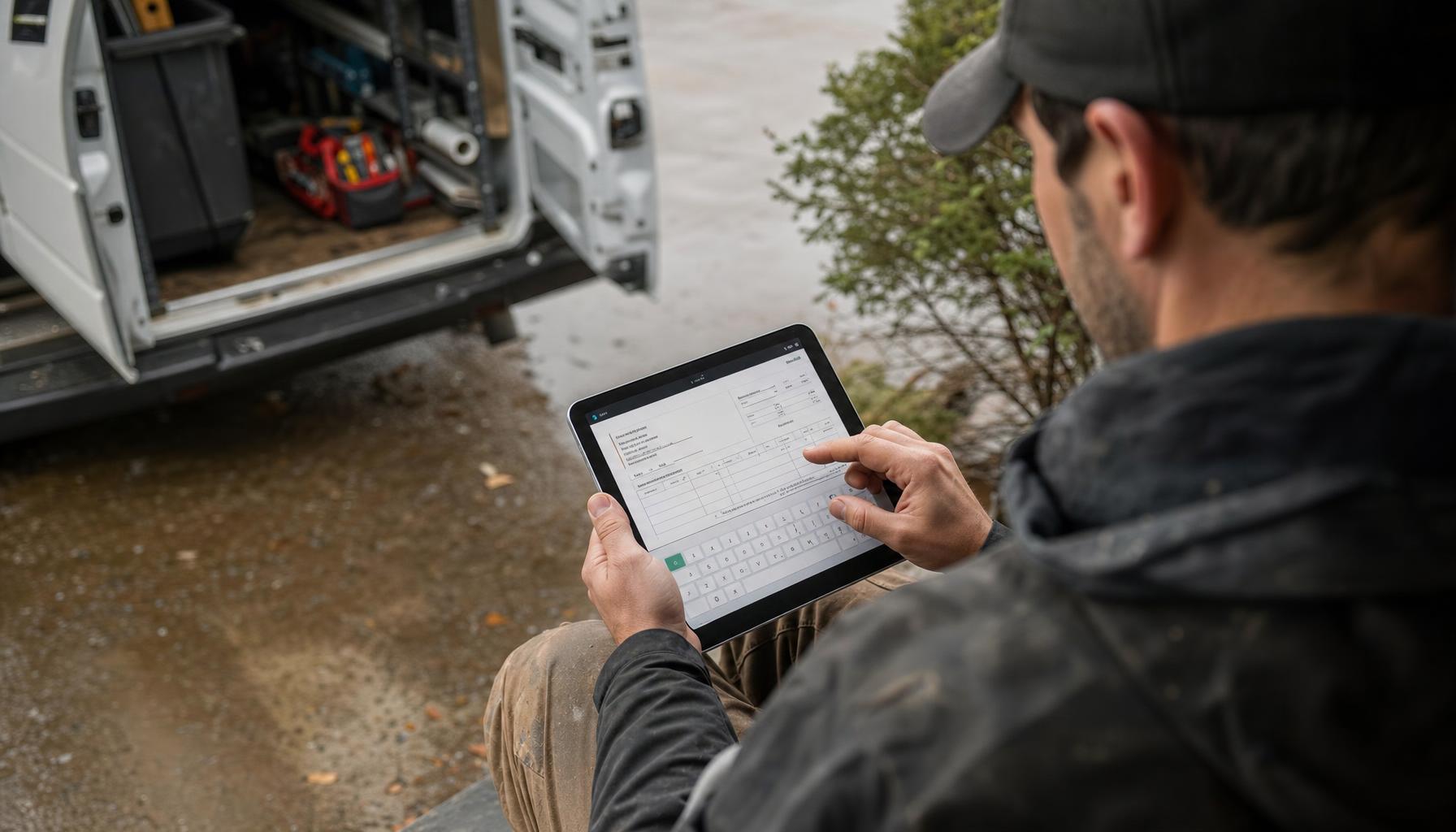
This is where Hero AI actually earns its keep on a job site. You finish a phase, record a quick voice note on your way to the truck — “Foundation’s poured, inspection passed this morning, bill the draw” — and Hero AI turns that into a proper invoice with your GST/HST, the right holdback percentage held back, and it’s in the client’s inbox before you’re back at the shop. No typing it up at 9 PM. No forgetting which line items were already billed on the last draw.
And when the invoice sits unpaid past terms, Hero AI follows up — polite reminder at day 3, firmer nudge at day 14, without you having to be the one making an awkward call to a client you’re still working for. That’s the piece most contractors skip entirely, because chasing your own client for money feels uncomfortable. Having your AI staff do it takes the awkwardness out of it.
Job Costing: Knowing If You Actually Made Money
Billing fast solves the cash flow half. The other half is knowing, project by project, whether you actually made money — not just guessed a good number at bid time and hoped.
Construction invoicing software worth using ties every invoice back to the job it belongs to, and every cost too — labour hours, material receipts, subtrade invoices — so at the end of a project you can see real margin, not estimated margin. If your framing subtrade always runs 8% over what you budget, you want to see that after job three, not job thirty.
This is also where the tools you use for estimating and the tools you use for invoicing should be the same tools, or at least talking to each other. A Good/Better/Best estimate that Hero AI drafts from your walkthrough notes should turn into the contract, and the contract should turn into your progress billing schedule automatically — not get re-typed three times by three different people (all of whom are you).
What to Look for in Contractor Billing Software
If you’re shopping around, a couple of larger platforms built for landscape, snow and commercial property contractors — Aspire, aimed at bigger operations, and LMN by Granum, the Ontario-based estimating and budgeting tool for landscape crews — show what a fuller system can look like, with budgeting, crew time tracking and job-level reporting baked in. Both are worth a look if you’re running a larger landscape or snow-and-ice operation with dedicated office staff. But for a general contracting outfit of 1-15 people, doing renos, additions and custom builds, you usually need something lighter: fast progress billing, change orders that don’t require a spreadsheet, and someone (or something) chasing payment so you don’t have to.
That’s the gap Hero AI is built to close. It’s not a bigger back office bolted onto your business — it’s the back-office person you can’t afford to hire yet, doing the invoicing, the follow-up and the books between jobs.
Getting Started Without Overhauling Everything
You don’t need to migrate ten years of records on day one. Start with the next job:
- Set up the project with its phases and expected draws
- Have Hero AI draft the estimate from your walkthrough notes or voice memo
- Bill each phase the day it’s done, not the day you get around to it
- Let Hero AI chase anything that goes past 15 days unpaid
- Check job costing at the end — see if your bid margin held
Do that on one project and you’ll feel the difference in your cash flow within a month. Do it on every project and billing stops being the thing you dread doing at night.
If you’re also running crews, quoting new jobs and juggling subtrades, we broke down more of what actually saves time day-to-day in our guide to the best software for landscapers in Canada — a lot of the same principles apply to general contracting crews too.
Bill Faster, Get Paid Faster
Construction invoicing software isn’t about looking more corporate. It’s about making sure the work you already finished turns into cash in your account without you having to remember, chase or re-type anything. Hero AI handles the invoice the moment the phase is done, follows up when payment’s late, and keeps your job costing honest — so you can get paid faster and get back to the next job.
Check out pricing or download the Hero365 app and set up your first job in under ten minutes.