Landscape Company Software: What to Look for Before You Ditch the Spreadsheets
Still running your landscaping company off a spreadsheet and a group chat? Here's exactly what to look for in landscape company software before you switch — and what it still won't fix.

If your scheduling “system” is a shared Google Sheet, a group chat with three crew leads, and a sticky note on your dash that says “call the Hendersons back” — you already know the spreadsheet isn’t working anymore. You’re just not sure what’s supposed to replace it.
That’s the moment most Canadian landscaping and lawn care owners hit somewhere between 8 and 15 crew. The spreadsheet that worked fine at 3 trucks starts falling apart at 6. Someone double-books a spring clean-up and a mulch install for the same Tuesday. A crew shows up to the wrong address because the tab didn’t sync. An invoice sits half-finished for three weeks because whoever was supposed to send it got pulled onto a storm cleanup crew instead. Landscape company software exists to fix exactly this — but a lot of what’s marketed as “management software” is built for commercial contractors with a dispatch office, not for the six-person crew running residential maintenance routes and the occasional hardscape job.
So before you switch, here’s what actually matters.
Why Landscape Company Software Beats a Spreadsheet (Eventually)
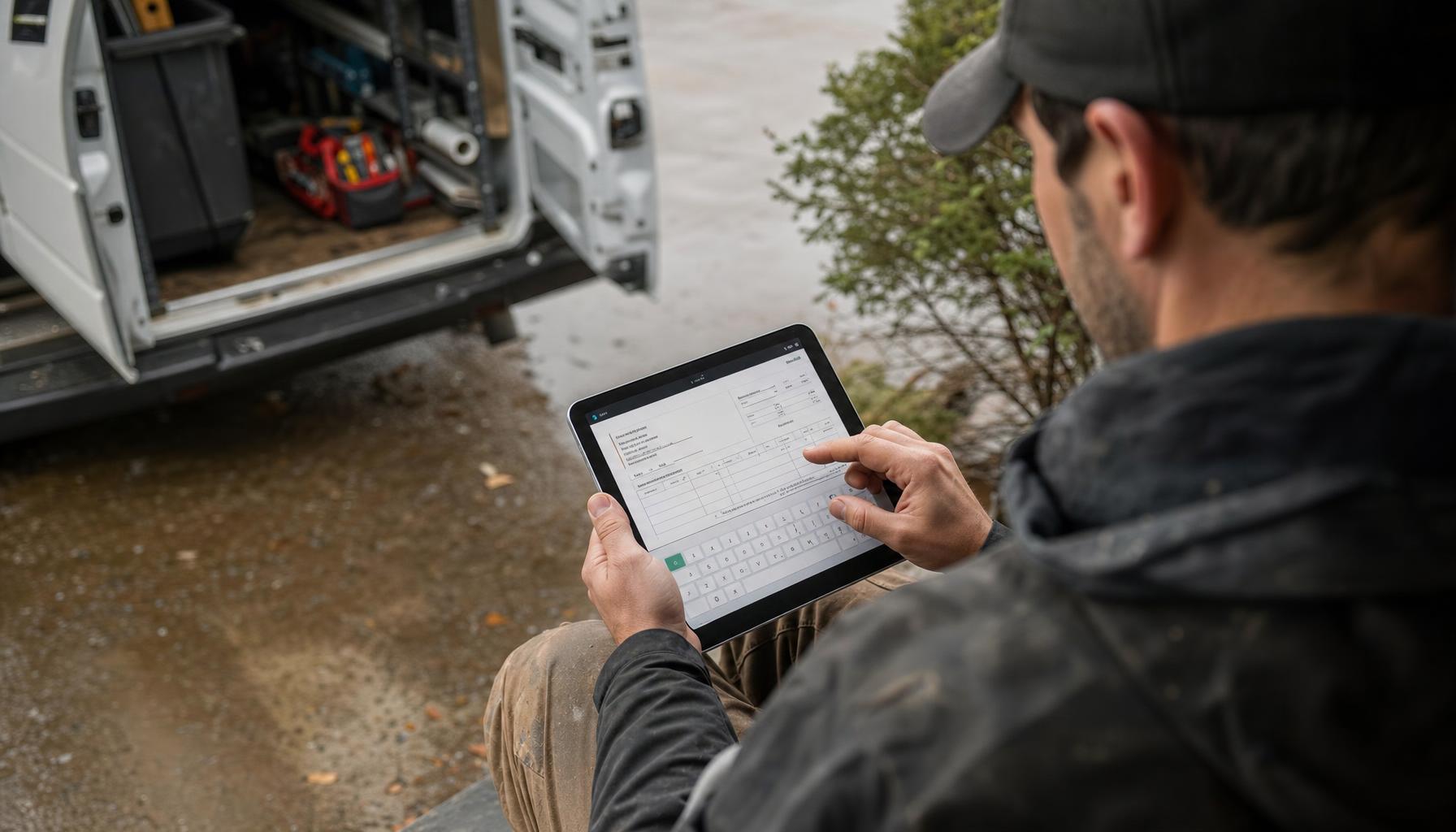
Spreadsheets are free and flexible, which is exactly why every landscaping outfit in Canada starts with one. But they don’t do three things a growing company needs: they don’t talk to your phone, they don’t remind anyone of anything, and they don’t get updated in real time by the guy standing in a client’s backyard with dirt on his gloves.
Landscape company management software is supposed to close those gaps — routing the day’s jobs, tracking which properties are on a bi-weekly mow cycle versus a one-off cleanup, turning a quick estimate into an invoice without you retyping it, and keeping crew schedules from colliding. The good stuff also handles the parts of the job that have nothing to do with mowing — the phone ringing while you’re on a mower, the quote a prospect is waiting on, the invoice from six weeks ago nobody’s chased.
If a piece of software doesn’t touch at least three of those areas, it’s not really landscape management software — it’s a glorified calendar with a nicer font.
The Non-Negotiables: What to Actually Check For
Seasonal and route-based scheduling, not just a calendar. Your business isn’t one job type — it’s spring clean-ups in April, weekly mows May through September, fall leaf removal, and (depending where you are) snow and ice in winter. Software built for generic “field service” often treats every job the same. You want something that understands recurring routes, can batch a whole street’s worth of Tuesday mows, and reshuffles the week automatically when it rains out Wednesday.
Estimating that doesn’t take three days. A homeowner calls about a backyard patio install or a full property overhaul. If your estimate process is “I’ll get back to you by the weekend,” you’re losing that job to whoever calls back first. Good software for landscapers should let you build a quote from your phone in the driveway — ideally with tiered options (a basic patch-and-repair versus a full redesign) so the client picks rather than you re-quoting three times.
Invoicing tied to the job, automatically. If invoicing means someone sitting down Friday night trying to remember which properties got extra bed edging this week, you’re leaking revenue. The software should generate the invoice off the completed job — line items, add-ons, and all — the same day the crew wraps up.
Crew accountability without babysitting. Where’s the Bobcat? Did the Miller Street crew actually show up? Is anyone still on-site at 6 PM racking up overtime nobody approved? You want visibility without turning yourself into a dispatcher glued to a radio all day.
A front desk that doesn’t disappear at 5 PM. This is the piece almost every landscaping company underestimates. Homeowners calling about lawn care, irrigation repair, or a quote for spring work don’t stop calling when your crew clocks out — and a missed call is a job that goes to the next name on the Google search. Small landscaping shops miss a big chunk of after-hours calls simply because nobody’s there to answer. That’s not a scheduling problem. That’s a staffing problem, and it’s the one spreadsheets can never solve no matter how many tabs you add.
What Landscape Software Won’t Fix (No Matter What the Sales Rep Says)
Here’s an honest one: software doesn’t run your crews for you. It won’t teach a new hire to edge a bed properly or catch that the Hendersons’ irrigation line needs a repair quote before you send someone back out. It organizes the chaos — it doesn’t eliminate the need for a good foreman.
It also won’t fix a pricing problem. If your $65 mow rate hasn’t moved since 2021 while fuel and labour have, no piece of software recalculates that for you. That’s still a conversation you need to have with your own numbers.
Category Options in Canada — What They’re Actually Built For
Two names come up a lot when Canadian landscape and snow contractors start shopping around, and it’s worth knowing what each is actually for before you get on a call with either.
Aspire is built for larger commercial landscape, snow, and ice operations — think multi-crew commercial maintenance contracts and enterprise-level snow response, not a residential mow-and-blow outfit with six trucks. Pricing is quote-only, so you won’t get a number until you’re deep in a sales conversation.
LMN (now under the Granum brand) is Ontario-built and genuinely popular with small-to-mid landscape companies for estimating, budgeting, and crew time tracking — it’s closer to the size of business most of this post is written for. It’s also quote-based pricing, so plan on a call before you see numbers.
Both are worth a look if your business is primarily commercial landscape maintenance with dedicated office staff running dispatch. Where a lot of owner-operator and small residential crews find the gap is everything around the job — the calls, the quotes, the invoices, the follow-ups — which is where an AI teammate like Hero AI fits differently: it’s not managing your crew logistics, it’s covering the office job nobody on a 6-person crew has time to do.
We go deeper on how the category shakes out for Canadian landscapers in our guide to the best software for landscapers in Canada, if you want the fuller rundown.
Where Hero AI Fits (and Where It Doesn’t)
Hero365 isn’t trying to replace your route-scheduling and job-costing software — it’s built to do the office work you’re probably not doing at all right now. Hero AI answers your phone 24/7, books the estimate request straight onto your calendar instead of leaving it on a missed-call log, drafts a Good/Better/Best quote from a voice memo you record between properties, and chases the invoice that’s been sitting unpaid since the fall cleanup.
Picture the Tuesday morning where you’re mid-mow, phone buzzing in your pocket, three more properties to hit before lunch. A homeowner two streets over wants a quote for a retaining wall. With a spreadsheet, that call goes to voicemail and probably never gets returned. With Hero AI running your front desk, the call gets answered, the details get taken, and a draft estimate is waiting in your inbox by the time you’re back in the truck.
That’s the piece that spreadsheets — and honestly most landscape company software — never touch. You can find more work with better routing all you want, but if the phone rings and nobody picks up, none of that scheduling precision matters.
Making the Switch Without the Headache
Don’t try to replace everything at once. Most owners who move off spreadsheets successfully do it in this order: get your scheduling and invoicing onto one system first, get someone (or something) answering your phone second, then layer in the deeper estimating and route-optimization features once your team’s used to the new workflow.
If the missed-call problem is the one costing you real money right now — and for most landscaping shops it is — that’s the cheapest, fastest fix to make. You can download the Hero365 app and have Hero AI answering calls and booking jobs today, starting at $24.99/month through our Canadian pricing — no demo call, no per-seat fees stacking up every time you hire a new crew member.
Whatever you land on for managing routes and crews, don’t let the office side of the business stay stuck on a spreadsheet while everything else moves forward. That’s the gap that costs you jobs you never even knew you lost.