How HVAC Contractors Can Use AI to Automate Scheduling, Dispatch, and Follow-Ups in 2026
Missing after-hours calls, double-booked techs, invoices nobody's chasing — sound familiar? Here's how AI scheduling software for HVAC contractors fixes all three in 2026, without hiring another office person.
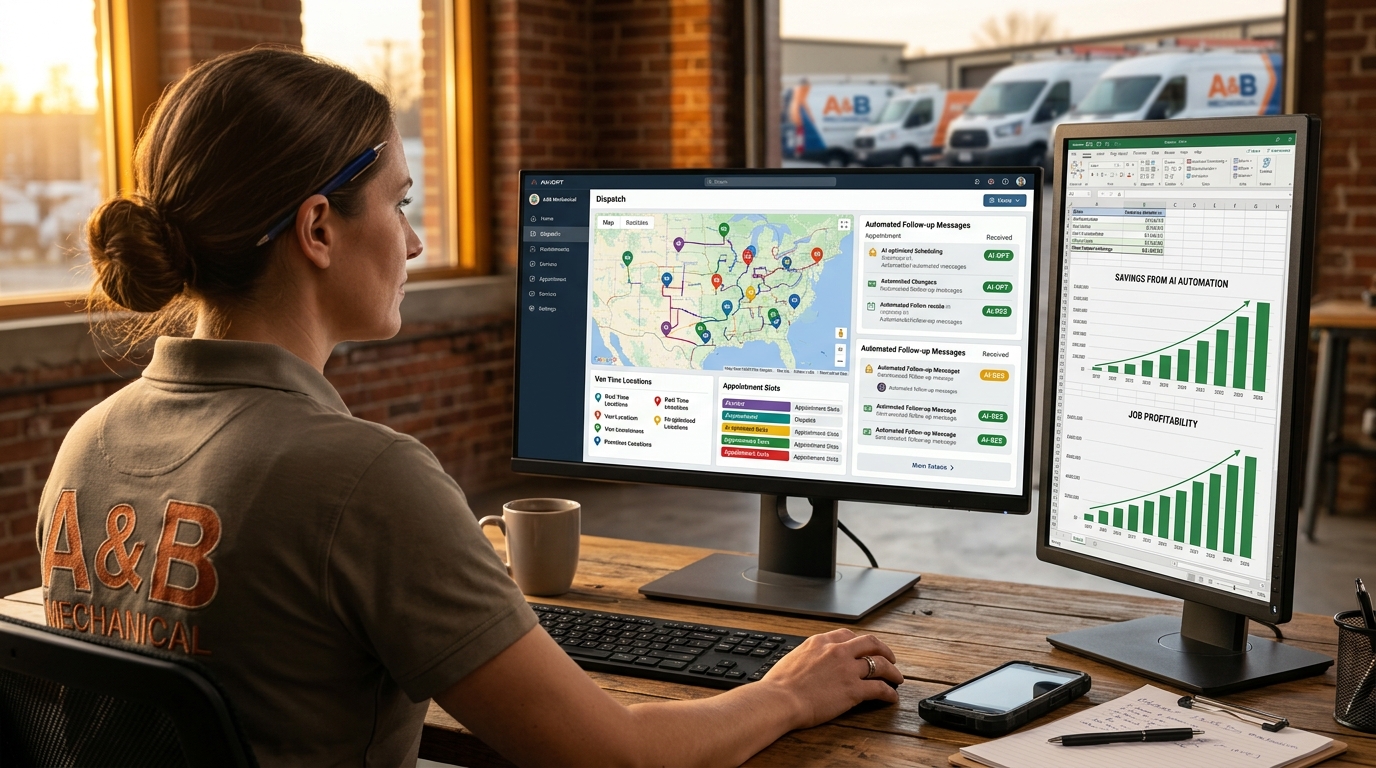
It’s 2 PM on a Tuesday. Your best tech is stuck in traffic on the wrong side of town for a job that should’ve gone to whoever was closest. Your phone’s ringing with a no-cool call you can’t get to till Thursday. And that invoice from three weeks ago? Still sitting there, unpaid, because nobody’s had ten minutes to follow up.
If that’s a normal day for your shop, you’re not alone — and you don’t need to hire three more office people to fix it. That’s what AI scheduling software for HVAC contractors is actually for in 2026. Not some far-off promise. Real dispatching, real booking, real invoice follow-ups happening right now while you’re on a roof or under a unit.
We’re going to walk through what HVAC automation software actually does today, what it costs, and how to tell the difference between a real AI teammate and a glorified calendar app with a chatbot bolted on.
Why HVAC Automation Software Isn’t Optional Anymore
Here’s the math nobody likes to say out loud: small HVAC shops miss roughly 40% of their after-hours calls. Every one of those is a potential $300-800 emergency call or a $3,500-5,000 install walking straight to whichever competitor picks up the phone. You’re not losing them to bad marketing. You’re losing them because nobody answered.
AI dispatch for HVAC closes that gap by never sleeping. Hero AI answers every call — 2 AM, Sunday, whenever — and books the job straight onto your schedule instead of taking a message you’ll return tomorrow, after the customer already called someone else.
We covered the after-hours piece in detail in our guide to handling after-hours HVAC calls without hiring a full-time dispatcher — worth a read if that’s your biggest bleed point right now.
What AI-Powered Field Service Management Actually Automates
Let’s be specific, because “AI” gets slapped on everything these days and most of it does nothing.
Scheduling and booking. Hero AI takes the call, asks the right diagnostic questions (no cool? no heat? strange noise?), and books it into an open slot on your board — matched to the right tech based on skill and location. No double-booking. No back-and-forth texts trying to find a slot that works.
Dispatch and routing. Once the day’s booked, Hero AI routes your techs so they’re not zigzagging across town. Shops using smart routing cut drive time by 10-15% — that’s real fuel savings and an extra job or two squeezed into the day.
Estimates. Your tech finishes the diagnostic, records a quick voice note, and Hero AI turns it into a Good/Better/Best estimate in under a minute. Compare that to the old way — tech calls the office, office calls the customer two days later, customer’s already gotten three other quotes. We wrote a full breakdown in our HVAC estimate templates guide if you want to see what a quote that actually closes looks like.
Follow-ups and invoicing. Job’s done, and Hero AI follows up with the customer automatically — catching a frustrated customer before they leave a one-star review instead of after. It also chases the invoice you’ve been meaning to call about for two weeks, and reconciles the payment when it lands.
Dormant customer re-engagement. That maintenance customer from 18 months ago who never rebooked? Hero AI reaches back out. You didn’t lose them — you just hadn’t gotten around to calling.
HVAC Workflow Automation 2026: What’s Actually New
The shift this year isn’t “software with more features.” It’s software that acts like staff instead of a to-do list you still have to manage. Old field service tools give you a calendar and a button. HVAC workflow automation in 2026 means the calendar fills itself, the button gets pushed for you, and someone (something) is watching the whole board so nothing falls through.
Picture this: a customer calls at 9 PM about a dead furnace in February. Old way — voicemail, callback tomorrow, customer already booked with a competitor by 8 AM. New way — Hero AI answers, walks them through it’s not a breaker issue, books an 8 AM slot with your nearest available tech, and texts the customer a confirmation before you’ve even seen your phone. You wake up to a booked job, not a missed opportunity.
What This Costs vs. What You’re Probably Paying Now
Here’s where it gets uncomfortable for anyone shopping the big names. ServiceTitan is quote-only — no published price — and licensed per seat, so every tech you hire makes the software bill bigger too. FieldEdge is quote-only and per-seat as well. For a 5-person shop, that’s five seats of real money every single month before you’ve booked a single job, at a rate you can’t check until you’ve sat through the call.
Hero AI starts at $19.99/month for the AI Concierge that answers and books your calls 24/7. Growth tier is $149/mo, Scale is $349/mo — and neither charges per seat. That’s roughly 1-3% of a single ServiceTitan license. No demo call, no onboarding fee. You download the app, and you’ve hired your AI staff.
We put together a side-by-side in Hero365 vs. ServiceTitan: Which HVAC Business Management Software Is Right for You if you want the full breakdown — including where ServiceTitan actually wins (large multi-branch operations) and where it’s overkill (basically anyone under 20 techs).
| Hero365 (Hero AI) | ServiceTitan | FieldEdge | |
|---|---|---|---|
| Pricing | $19.99-349/mo, no per-seat charge | Quote only, per seat | Quote only, per seat |
| Answers after-hours calls | ✅ | ❌ | ❌ |
| Auto-drafts estimates from voice | ✅ | ❌ | ❌ |
| Chases overdue invoices | ✅ | ❌ | ❌ |
| Onboarding fee | ❌ | ✅ | ✅ |
| Built for 1-15 person shops | ✅ | ❌ | ❌ |
Run your own numbers with our cost calculator — most shops are shocked how much they’re overpaying for software that still leaves the phones unanswered after 5 PM.
Getting Started Without the Headache
You don’t need a six-week onboarding to get this running. Download the app, set your service area and your team’s hours, and Hero AI starts answering calls and filling your board the same day. No IT department required — because there isn’t one, it’s just you and your AI staff.
If dispatching and double-booking are your biggest headache right now, start with dispatching smarter. If it’s the calls you’re missing after hours, start with never missing another call. Either way, check the pricing page — there’s a plan that costs less than a single missed emergency call would’ve earned you.
Your board’s going to fill up whether you’re managing it or not. Might as well have an AI staff that’s watching it around the clock. Download the Hero365 app and see your first booked call before the day’s out.