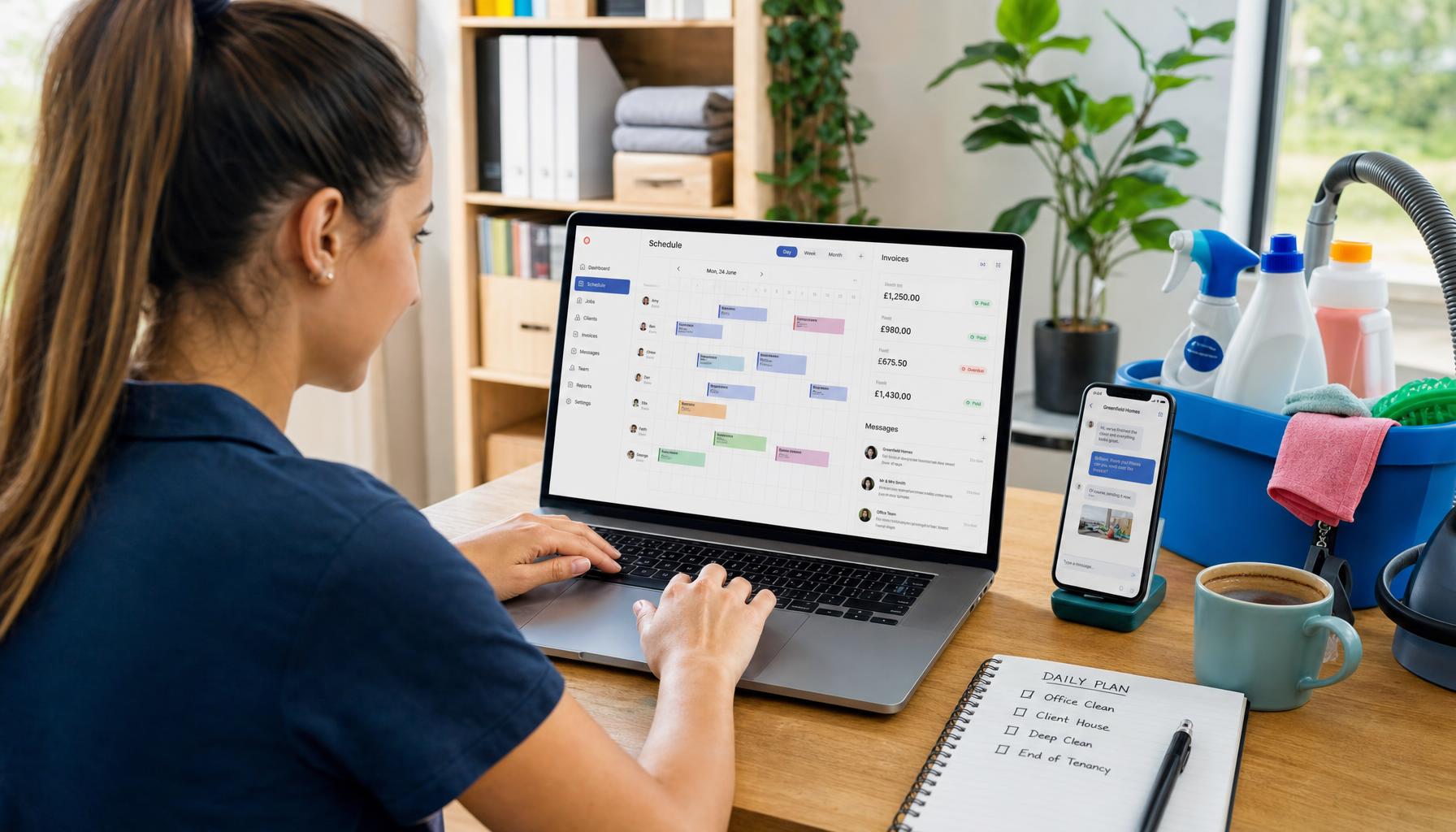
What Does a Field Service App Actually Need to Do on a Busy Monday? A Practical Checklist for UK Trades
Most field service apps look great in a demo and fall apart by 9am on Monday. Here's the practical checklist UK trades should actually use — and where most job management apps quietly fall short.
It’s 7:40am on a Monday. Two engineers are still asleep on their commute, one van’s got a flat, three customers have already rung about “urgent” jobs that aren’t urgent, and your Gas Safe reminder just pinged for a boiler you serviced eleven months ago. Nobody’s answered the phone yet because you’re the one who answers the phone, and you’re currently under a sink.
Sound about right?
This is the moment a field service app either earns its keep or becomes another icon you swipe past. Plenty of field management apps look brilliant in a demo — clean dashboards, tidy calendars, a chatbot that promises the world. But a demo isn’t a Monday. So we put together a proper, no-nonsense checklist: what a field service app genuinely needs to do when the phones won’t stop and the diary’s a mess by 9am.
Field Service App Basics: What Actually Matters on a Chaotic Morning
Strip away the marketing and a field service app has one job on a busy Monday — stop your business running on the owner’s memory and mobile phone. Everything else is decoration.
Here’s what that means in practice:
1. It answers the phone when you can’t. Most small trades businesses miss close to 40% of their after-hours and overflow calls — and every one of those is a customer who’s now ringing your competitor instead. A proper field service app doesn’t just log a missed call for you to chase later at 9pm. Hero AI answers it live, books the job straight onto the diary, and texts the customer a confirmation — all while you’re still under that sink. That’s the difference between “we’ll get back to you” and a job that’s already on the board.
2. It updates the diary in real time — not at lunchtime. If your engineer finishes early at the Clapham job, does the app know? Or does it sit there showing him “in progress” for the next two hours while a genuinely urgent no-heat call goes to voicemail three streets away? A field service software for small business setups needs to reflect reality the second it changes — jobs, ETAs, parts needed, the lot — not whatever was true when someone typed it in this morning.
3. It routes the day sensibly, not alphabetically. Plenty of scheduling tools let you drag jobs onto a calendar. Fewer actually think about drive time, postcode clusters, or which engineer’s van already has the part. Smart routing on a busy Monday can cut drive time by 10-15% — which, across a five-van fleet doing four jobs each, is easily an extra job or two squeezed into the same day without anyone rushing.
4. It doesn’t double-book. This sounds obvious until it happens to you. Two engineers, one address, both convinced they’ve got the 11am. A field service app worth its name makes double-booking structurally impossible — not “unlikely if everyone updates the spreadsheet properly.”
Compliance Can’t Be an Afterthought — Especially on Mondays
Mondays are exactly when compliance slips. You’re firefighting the diary, and the CP12 that’s due to expire Wednesday quietly drops down the priority list. Then Thursday you’re chasing a landlord for access, apologising for the short notice, and hoping the tenant’s actually in.
A genuinely useful mobile field service application needs to:
- Flag Gas Safe and CP12 renewals before they lapse, not after
- Let the engineer generate the certificate on-site from the van, not scribble notes to type up later
- Keep CIS deductions sorted automatically if you’re running subcontractors, so payment day doesn’t turn into a spreadsheet nightmare
- Store every certificate against the customer record so when the same landlord rings in eighteen months, you’re not digging through email
We went deeper on this in our EICR software guide — worth a read if certificates are eating your evenings. Dedicated certification tools like Clik Compliance (from £20/user/month for Entry, £25/user/month for Advanced) do this bit well. But they’re built for one job — producing regulated certificates — not for running the whole Monday around them.
The Estimate That Doesn’t Sit in Your Inbox Until Wednesday
Here’s a scenario every trades business knows too well. Customer calls Monday morning wanting a quote for a new consumer unit. You say you’ll “get something over” — and then the week happens. By the time the quote lands Wednesday evening, they’ve already booked someone else who replied Monday afternoon.
A field service app that’s actually pulling its weight turns a voice note into a proper Good/Better/Best estimate in under a minute — three options, sent to the customer’s phone before you’ve left the drive. That’s not a nice-to-have. That’s the difference between winning the job and finding out later you didn’t.
What to Actually Check Before You Commit
We’d argue any field service app claiming to help small trades businesses on a Monday needs to answer yes to every one of these:
| Requirement | Why it matters on a busy Monday |
|---|---|
| Answers calls when you’re on tools | Missed calls become someone else’s job |
| Updates jobs live, not end-of-day | Stale diaries cause double-bookings and wasted drive time |
| Routes jobs by location, not guesswork | 10-15% less drive time means more jobs fit in |
| Flags Gas Safe/CP12 renewals automatically | Compliance gaps are expensive and avoidable |
| Generates certificates on-site | No evening admin, no chasing yourself |
| Turns a voice note into a quote fast | Slow quotes lose jobs to faster competitors |
| Chases overdue invoices without you asking | Cash flow doesn’t run on you remembering to ring people |
| Works one-handed, standing up, in bad signal | Most of your day isn’t spent at a desk |
If a tool fails more than one or two of these, it’s not really a field service app for a busy trades business — it’s a nice-looking calendar.
Where Most Field Management Apps Fall Short
Job management apps like Tradify (£34-£44 per user/month depending on tier) or ServiceM8 handle the diary and invoicing side reasonably well — they’re solid, established tools plenty of UK trades already use. But per-user pricing punishes exactly the businesses that need it most: hire a fourth engineer and your software bill jumps too. And none of them actually pick up the phone. They organise the work you already know about. They don’t create new bookings while you’re busy doing the last one.
That’s the gap Hero AI is built to close. It’s not another app to check between jobs — it’s staff. It answers your calls 24/7, drafts the estimate, routes the day, chases the invoice that’s gone quiet, and follows up after the job to catch a problem before it becomes a one-star review. All from £19.99/month for the AI Concierge tier, no per-seat penalty for growing your team, no onboarding call required — you just download the app and it’s answering calls that afternoon.
We’ve written more on how this plays out for specific trades — our guide for plumbing businesses and the best field service management software UK roundup both dig into how this compares across tools if you want the fuller picture.
The Real Test
Forget the feature list for a second. The real test of any field service app is simple: does it make your Monday less chaotic, or does it just give the chaos a nicer interface?
If you’re still the one answering the phone at 7:40am, still typing up the CP12 at 9pm, still chasing Wednesday’s invoice on Friday — the app isn’t doing its job. It’s just recording the fact that you are.
Hero365 starts at £19.99/month, with no per-seat fees as your team grows. If you want to see what it looks like when your after-hours calls stop going to voicemail, download the Hero365 app and give Hero AI your next busy Monday instead.