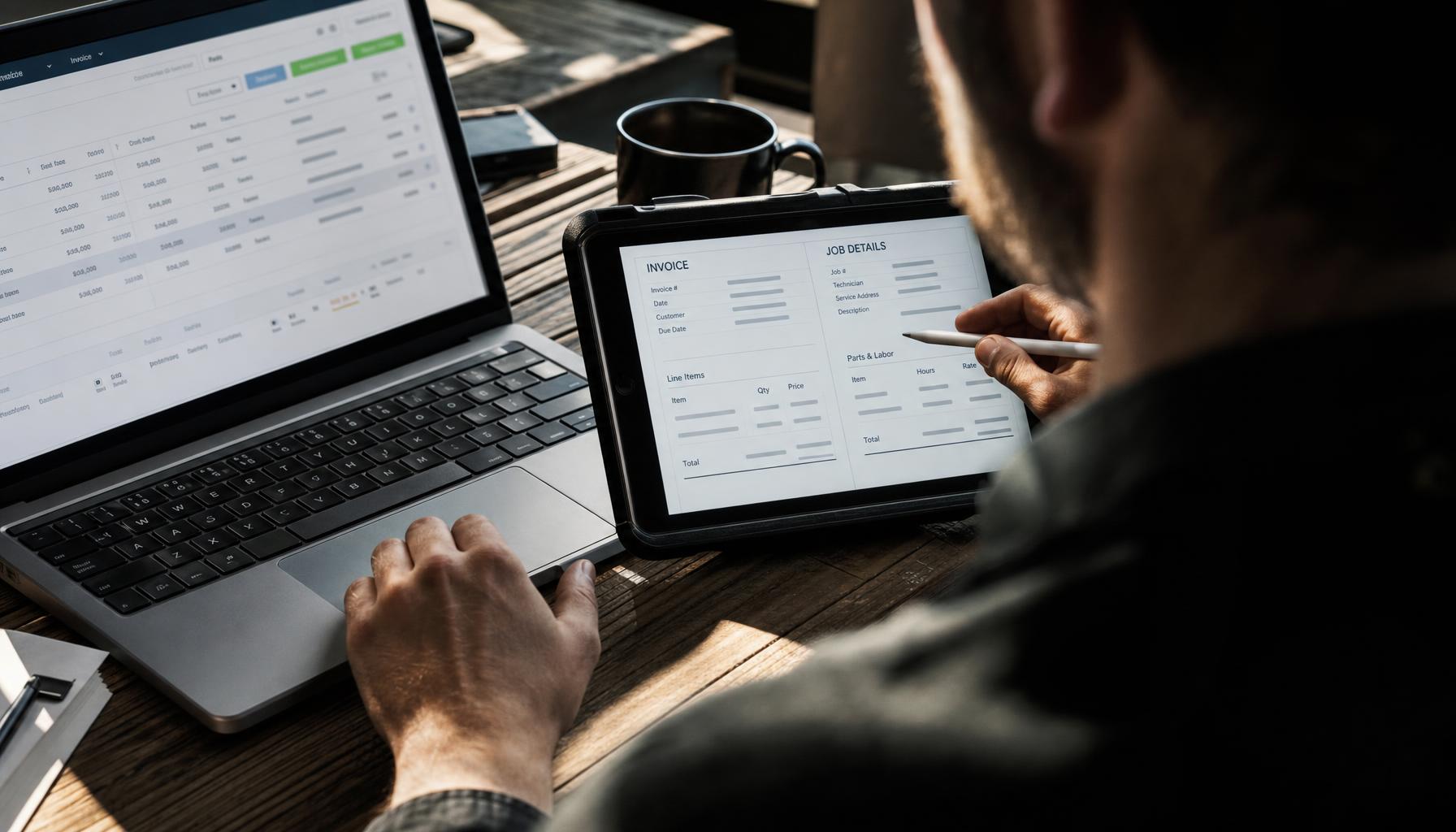
What Does an AI Dispatcher Actually Do All Day? A Look Inside Field Service Software for Small Business
Ever wonder what an "AI dispatcher" actually does between 7 AM and 5 PM? We walk through a real day — answering calls, building routes, drafting estimates, and chasing invoices — to show what field service software for small business really replaces.

The 6 AM Question Every Contractor Asks
Your phone buzzes at 6:02 AM. A pipe burst overnight, the customer’s panicking, and you’re still in bed trying to remember if Mike’s already got a full day or if he’s got room to squeeze one more stop in before lunch.
Multiply that by every morning, every missed call, every “wait, did anyone confirm the 2 PM with the Hendersons?” and you start to see why so many small trade businesses run on duct tape and group texts. You didn’t get into plumbing or HVAC to run a call center. But somehow you’re the one answering calls, building the schedule, and chasing invoices at 9 PM because that’s when you finally sit down.
So when people hear “AI dispatcher,” they usually picture something vague — a chatbot, maybe, or an app that pings you a reminder. That’s not what we’re talking about. Good field service software for small business does the actual dispatcher’s job: answering the phone, building the route, filling the gaps, and following up — all day, every day, without needing a lunch break or a raise. Here’s what that actually looks like, hour by hour.
7 AM: Answering Calls You’d Otherwise Miss
Most small contractors miss around 40% of after-hours calls. Not because they’re lazy — because they’re on a roof, under a sink, or asleep. Every one of those missed calls is a customer who calls the next guy on Google.
An AI dispatcher answers every single one. Not a voicemail greeting — an actual conversation that captures the address, the problem, and urgency, then books it straight onto the schedule. No callback tag. No “let me check with the office and get back to you.” By the time you’re pouring coffee, the burst-pipe job from 6 AM is already sitting on your board with a technician assigned.
That’s the difference between field service scheduling software that just displays a calendar and one that actually runs the front desk. We wrote about this exact gap in our guide to AI dispatch killing no-shows and double-bookings — the short version is that most missed calls aren’t a marketing problem, they’re a staffing problem, and staffing problems have staffing solutions.
9 AM: Building the Day’s Route (and Rebuilding It When Things Go Sideways)
Here’s a scenario every dispatcher — human or AI — deals with constantly: your 10 AM job runs long, your 11:30 no-shows, and suddenly the whole afternoon needs reshuffling. A sticky note board can’t do that. A static calendar app can’t do that either.
A real mobile field service app re-routes on the fly, factoring in drive time, technician skill match, and job priority. Done right, that kind of routing cuts drive time by 10-15% — which on a 5-truck operation adds up to real fuel and labor savings over a month, not just a nicer-looking map.
This is also where dispatch software earns its keep on emergency jobs. If a same-day HVAC no-cool call comes in at noon, the AI dispatcher isn’t just finding “the next open slot” — it’s finding the closest available tech who’s actually qualified for that unit, and slotting the job in without blowing up three other appointments.
11 AM: Drafting the Estimate While You’re Still on Site
You finish the walkthrough, you know what needs doing, but writing up a proper Good/Better/Best estimate back at the truck eats 20 minutes you don’t have. Most contractors either wing it verbally (and lose the upsell) or promise to “send something over” — which turns into three days of phone tag and a customer who’s already called someone else.
Hero AI drafts that estimate from a voice note in under a minute. You talk through what you saw, it builds three tiered options, and it’s in the customer’s inbox before you’ve pulled out of the driveway. That’s the kind of speed that closes jobs — we go deeper on this in our piece on how to win more quotes.
2 PM: Chasing the Invoice You Forgot About
Ask any owner of a 5-10 person shop what they hate most about the job, and “chasing payments” is near the top every time. You did the work three weeks ago. The invoice went out. Nobody’s paid. And you’re the one who has to make the awkward call.
An AI dispatcher doesn’t forget, and it doesn’t feel awkward about it. It tracks what’s overdue, sends the reminders, reconciles the payments that do come in, and keeps your books clean — so you’re not doing that reconciliation manually every time you open QuickBooks. If double-entering invoices between your field app and your accounting software sounds familiar, we covered exactly how to stop that in our guide on field service software for QuickBooks.
5 PM: Following Up Before the One-Star Review Happens
The job’s done. The tech’s driving to the next stop. And this is usually where small shops drop the ball — nobody checks in with the customer, so the first you hear about a problem is a one-star Google review three days later.
A good AI dispatcher follows up after every job automatically. It catches the customer who’s lukewarm before they go public with it, and it re-engages the ones who haven’t booked in six months with a maintenance reminder. That’s not a nice-to-have — for a small business, one saved review or one reactivated customer can be worth more than a month of ad spend. More on that in never lose a customer.
So How Is This Different From Regular Field Service Scheduling Software?
Plenty of field service software for small business handles the calendar part fine. The difference with an AI dispatcher is that it does the work around the calendar — the calls, the estimates, the collections, the follow-ups — instead of just giving you a prettier version of the whiteboard to manage yourself.
| Task | Traditional scheduling app | AI dispatcher (Hero AI) |
|---|---|---|
| After-hours calls | Voicemail, callback next day | Answered live, booked instantly |
| Estimate drafting | You write it manually | Drafted from a voice note in ~1 min |
| Route changes | You rebuild manually | Adjusts automatically |
| Invoice follow-up | You remember to call | Chased automatically |
| Post-job check-in | Often skipped | Sent every time |
And on pricing — this matters for a 5-person shop. Vendors like Jobber ($24–320/mo) and Housecall Pro ($59–299/mo) charge by seat or by tier, so your bill climbs every time you hire someone. Enterprise players like ServiceTitan and FieldEdge don’t even publish pricing — you’re stuck booking a sales call to find out. Hero AI starts at $19.99/month for the AI Concierge, with Growth at $149/month and Scale at $349/month, no per-seat penalty for growing your crew. We broke this down further in our ServiceTitan alternative guide.
What This Actually Means for Your Day
None of this replaces your technicians. It replaces the front-desk person, the scheduler, and the bookkeeper you probably can’t afford to hire — or the version of yourself that’s doing all three jobs at 9 PM instead of eating dinner with your family.
If you’re running HVAC, plumbing, electrical, or general contracting and you’re tired of being the dispatcher, the estimator, and the collections department all at once, it might be time to hire some help that doesn’t need a paycheck, a desk, or a day off. Check out our free tools to see where your business is leaking time, or just download the Hero365 app and let Hero AI answer the next call.