HVAC Field Service Software: What an AI Dispatcher Does on a Heat-Wave Tuesday
A 104°F Tuesday will show you exactly what your HVAC field service software is made of. Here's what an AI dispatcher actually does, hour by hour, when every call is a no-cool and the board won't stop filling up.
It’s 7:14 AM. The forecast says 104°F by 2 PM. Your phone already has six missed calls from last night, your two techs are still 20 minutes from the shop, and somewhere across town three different capacitors are about to fail in three different attics. Welcome to a heat-wave Tuesday.
This is the day that separates HVAC shops that scale from HVAC shops that burn out. And it’s exactly the day that shows you what good hvac field service software is actually for — not pretty dashboards, but keeping the board sane when demand triples overnight.
Let’s walk through what an AI dispatcher does on a day like this, hour by hour, because it’s a lot more useful than another feature list.
6:00 AM — The Calls Started Before You Woke Up
Heat waves don’t wait for business hours. By the time you’re pouring coffee, Hero AI has already answered a handful of calls — a no-cool at a house with a newborn, a commercial rooftop unit tripping its breaker at a restaurant that opens at 11, a condo association asking if anyone can look at three units today.
Most small HVAC shops miss close to 40% of after-hours calls. On a normal Tuesday that’s annoying. On a heat-wave Tuesday, every one of those missed calls is a no-cool that’s now calling your competitor instead. Hero AI answers all of them, asks the right triage questions (system age, symptom, is anyone home), and books straight onto the schedule — no voicemail, no “we’ll call you back.”
That’s the difference between hvac field service software that just logs calls and one that actually works the phones for you.
8:00 AM — Dispatch Has to Re-Sort the Whole Day
Here’s where a lot of field service dispatch software falls apart: it assumes the day is planned once, in the morning, and stays that way. Heat waves don’t work like that. New no-cools come in every 20 minutes, and every one of them is more urgent than the maintenance check you had scheduled for 2 PM.
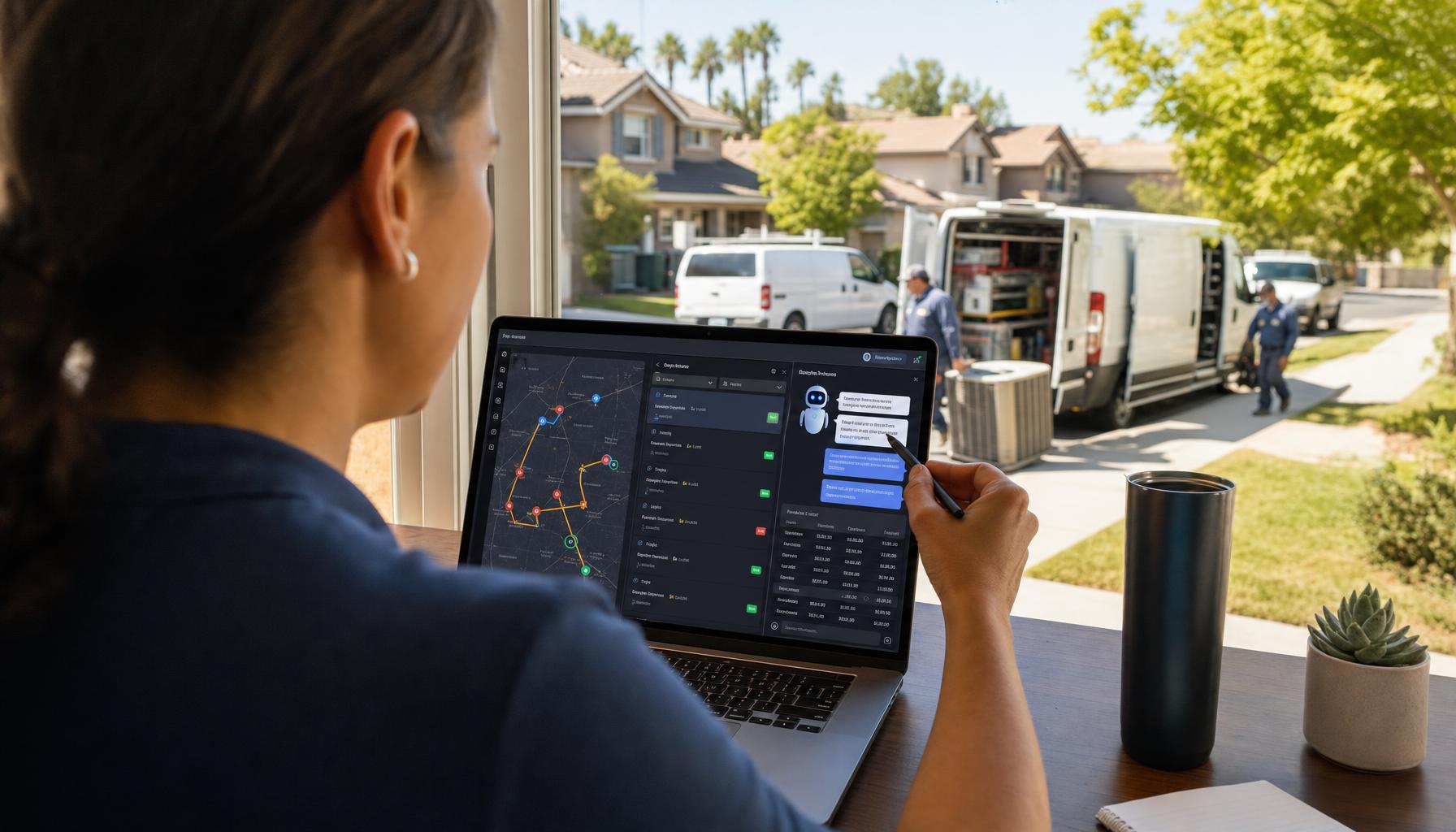
An AI dispatcher doesn’t just add new jobs to the bottom of the list. It re-routes the board in real time — slotting the newborn’s house ahead of a routine filter change, keeping your EPA-608-certified tech assigned to anything involving refrigerant recovery, and making sure nobody’s driving across town twice because the schedule got built job-by-job instead of route-by-route. Smart routing alone typically cuts 10-15% of drive time — on a day when every tech is running six-plus calls, that’s the difference between finishing at 6 PM or 9 PM.
We covered the mechanics of this in our guide on how to schedule HVAC jobs efficiently, but a heat wave is the stress test. If your scheduling only holds up on quiet days, it’s not really holding up.
10:30 AM — Someone Needs a Quote, Not Just a Repair
Picture this: your tech gets to the restaurant, finds the compressor’s shot on a 12-year-old rooftop unit. Repair or replace? The owner wants a number now — they’ve got a lunch rush in an hour and no time for “we’ll follow up tomorrow.”
This is where a lot of shops lose the job to phone tag. Your AI dispatcher doesn’t just manage the calendar — it helps close the deal on the spot. Your tech records a 90-second voice note on the unit, and Hero AI turns it into a Good/Better/Best estimate in under a minute: repair the compressor, replace the outdoor unit, or go full system swap with a better SEER2 rating. Same visit, no callback needed. We walk through why this format wins more jobs in our HVAC estimate templates guide.
1:00 PM — Refrigerant Is Flying Out the Door
Heat-wave Tuesdays burn through R-410A fast, and with prices up sharply this year, every pound needs to be tracked, not guessed at. Your field service scheduling software should be logging refrigerant usage against the job and the tech’s EPA-608 cert automatically, not waiting for someone to fill out a form at 8 PM.
We’ve got a full breakdown on staying compliant without spreadsheets in how to track refrigerant usage and stay EPA compliant — worth a read before the next heat wave, not during it. And if you’re pricing legacy R-410A repairs this year, our piece on what to charge for legacy AC repairs has the numbers.
4:00 PM — The Board Is Full, and More Calls Keep Coming
By mid-afternoon you’re overbooked, techs are behind, and the phone hasn’t stopped. This is exactly the moment most owners either start turning down jobs or start double-booking and hoping for the best. Neither is great.
An AI dispatcher handles this differently. It tells new callers honestly what’s available — same-day at a premium, first thing tomorrow, or an emergency slot if a tech clears early — instead of overpromising and leaving your last customer of the day waiting until 9 PM with no update. Customers don’t hate waiting nearly as much as they hate being lied to about it.
7:00 PM — The Invoices Don’t Send Themselves
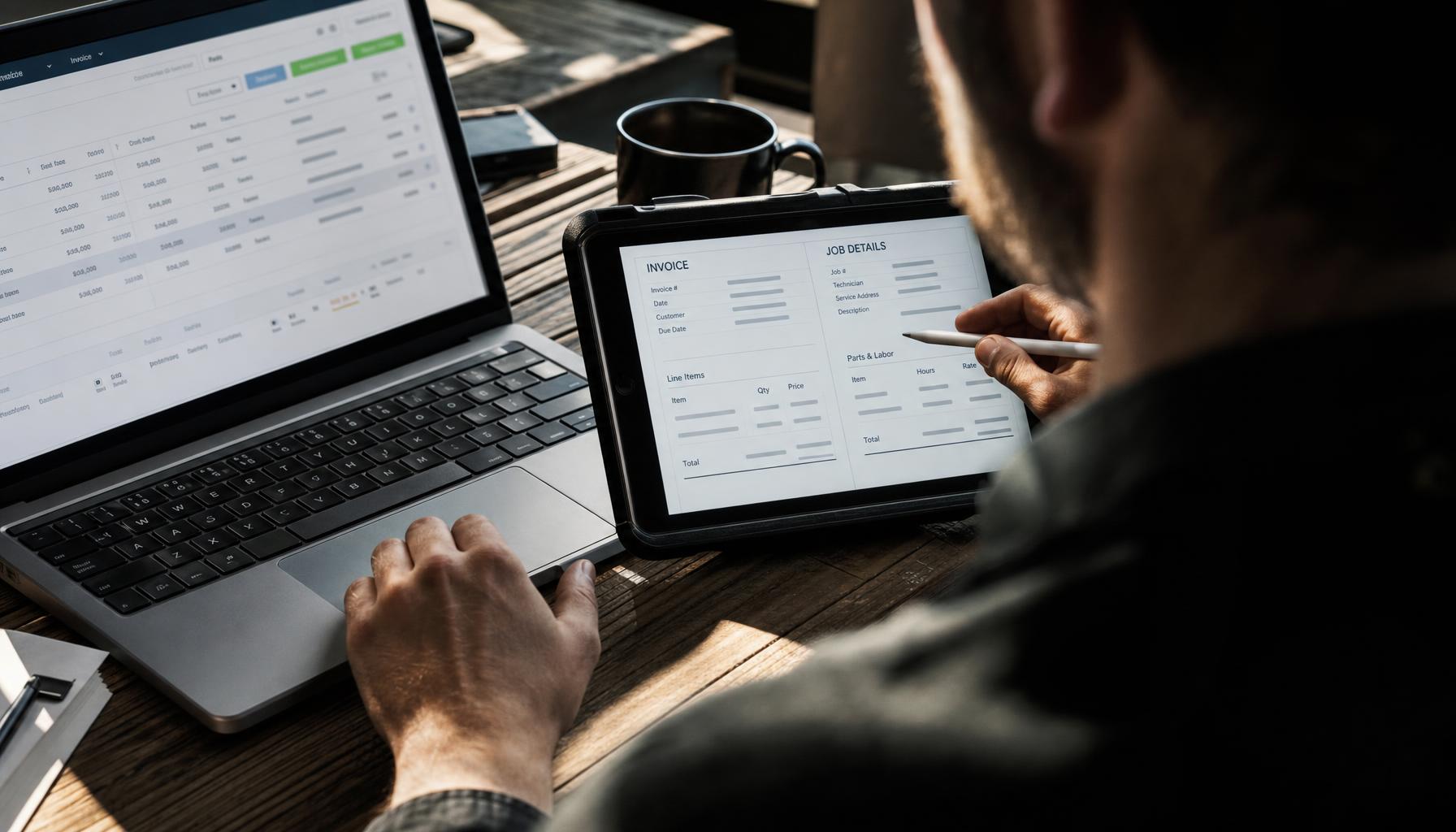
Last job wraps at 7:15. Nobody’s typing up an invoice by hand after a day like that — and nobody should have to. Hero AI generates the invoice from the completed job, sends it, and starts the follow-up clock. It also chases anything still outstanding from last week’s heat wave, because busy season is exactly when receivables quietly pile up. That’s the “get paid faster” side of things most hvac scheduling apps ignore entirely — they’ll help you book the job and just leave you to collect on it.
Why Per-Seat Software Breaks on Days Like This
Here’s the part nobody likes to say out loud: a lot of hvac field service software charges per technician, per month, on top of a base fee. ServiceTitan and FieldEdge both do, and neither publishes what the seat costs — you request a quote. On a heat-wave Tuesday when you’re leaning hardest on your team, that’s exactly when per-seat pricing punishes you most: the busier you get, the more expensive the software gets, seat by seat. Housecall Pro is friendlier at $59-299/mo and actually prints the number, but it wasn’t built with an AI staff member answering your calls and drafting your quotes.
Hero AI starts at $19.99/month for the AI Concierge that answers and books your calls 24/7 — no per-seat fee, no demo call, no onboarding charge. Growth and Scale plans add dispatch, invoicing, and follow-ups as you need them. You hire it by downloading the Hero365 app, the same way you’d hire a person — except it starts working the same day. See the full pricing here, or check the detailed breakdown in Hero365 vs. ServiceTitan.
The Real Test of Field Service Dispatch Software
Any hvac scheduling app can handle a slow Tuesday in April. The real test is a 104-degree Tuesday in July when the phone won’t stop and every job feels urgent. That’s the day you find out whether your field service scheduling software is actually staffed for the job — or whether it’s just a calendar with a nice interface.
If you’re tired of white-knuckling heat waves with a shared calendar and a part-time answering service, it might be time to never miss another call again. Download the Hero365 app and let Hero AI run the front desk on the next 104-degree Tuesday — so you can run the trucks.